


Interactive 3D Unit Selector
Every unit in view. Floor by floor.
A 3D availability chart for the sales suite, the website and the agent's tablet.
Illustrative reference images. Each experience is produced from the scheme's design and 3D model.
The interactive unit selector shows the building in 3D, cut away at the chosen floor, with units coloured by availability. Clicking on a unit, buyers see the rendered floor plan, the floor area, the orientation, the view from the balcony and the 360° tour of the show flat. The data comes from the developer's price list.
The price list buyers understand
A table of unit numbers and floor areas works for the agent, not for the buyer. In the interactive unit selector, buyers see where the flat sits in the building, which side gets the sun and what the view is from that floor. The sales conversation starts from their choice, not from a list.
For the sales team, the same screen organises the stock: filters by unit type, position and status help present the right options.

From the 3D model to a sheet for each unit
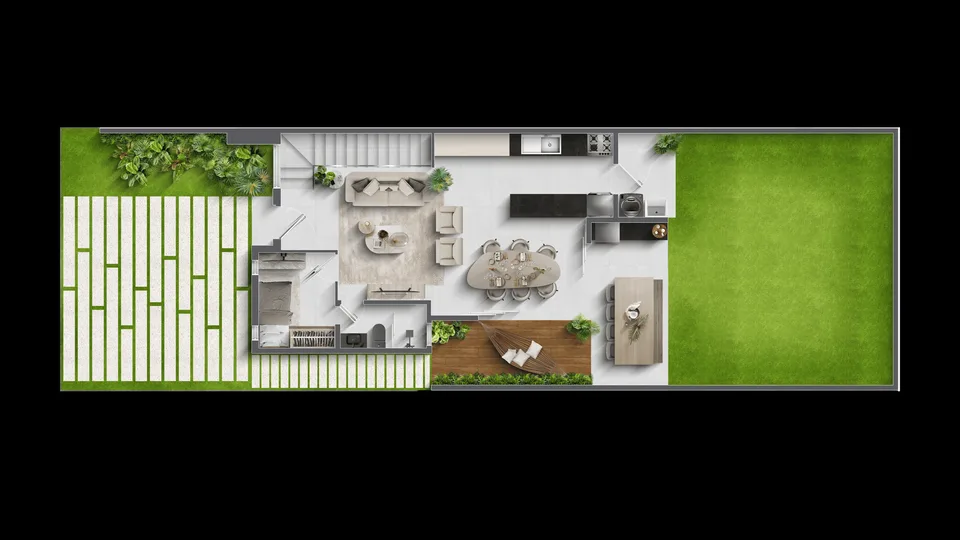
We use the launch 3D model to cut the building away floor by floor. The rendered floor plans and the unit outlines are drawn over the cutaway, and each unit gets its own sheet with the data from the sales spreadsheet.
The view from each floor can be simulated from the model and the surroundings, and the 360° tour of the show flat is added to the sheet of the matching unit types.

Deliverables
What's included
3D building with floor cutaway
Navigation by block and floor, with the selected floor highlighted.
Clickable units
An outline for each unit, colours by status or unit type, and filters.
Unit sheet
Rendered floor plan, floor area, orientation, view and a link to the 360° tour.
How it works
How it works
- 01
Briefing and files
We get to know the launch, the target buyer and where the experience will be used, and review the available model and plans.
- 02
Scene and script
We build the 3D scene and agree with the sales team on the script, the points of interest and the data shown.
- 03
Test version
You navigate a test version on computer and mobile and request the adjustments included in the scope.
- 04
Publication
We deliver the link, the code for the website and the sales suite version, with the file size tested on real devices.
Portfolio
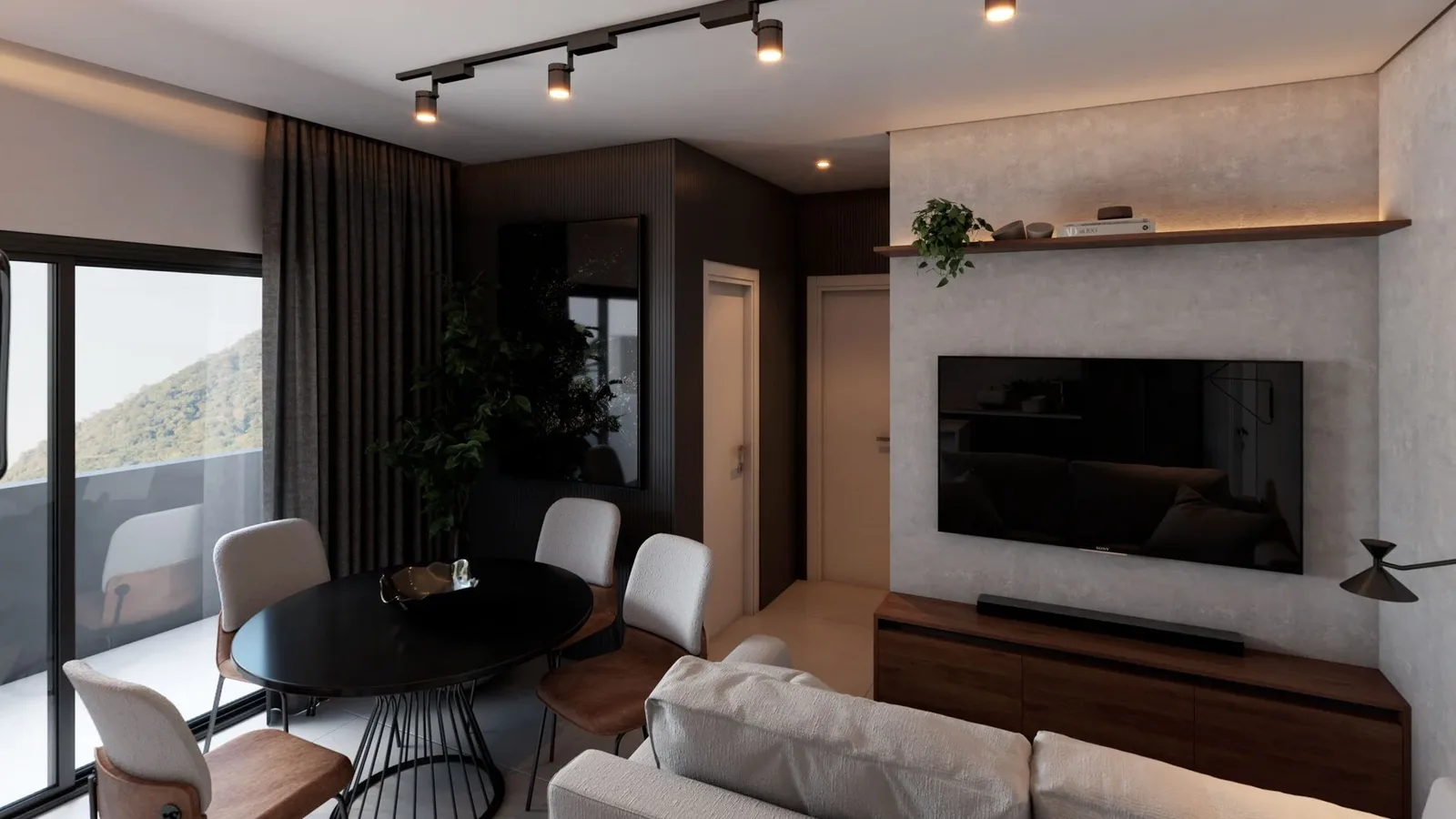
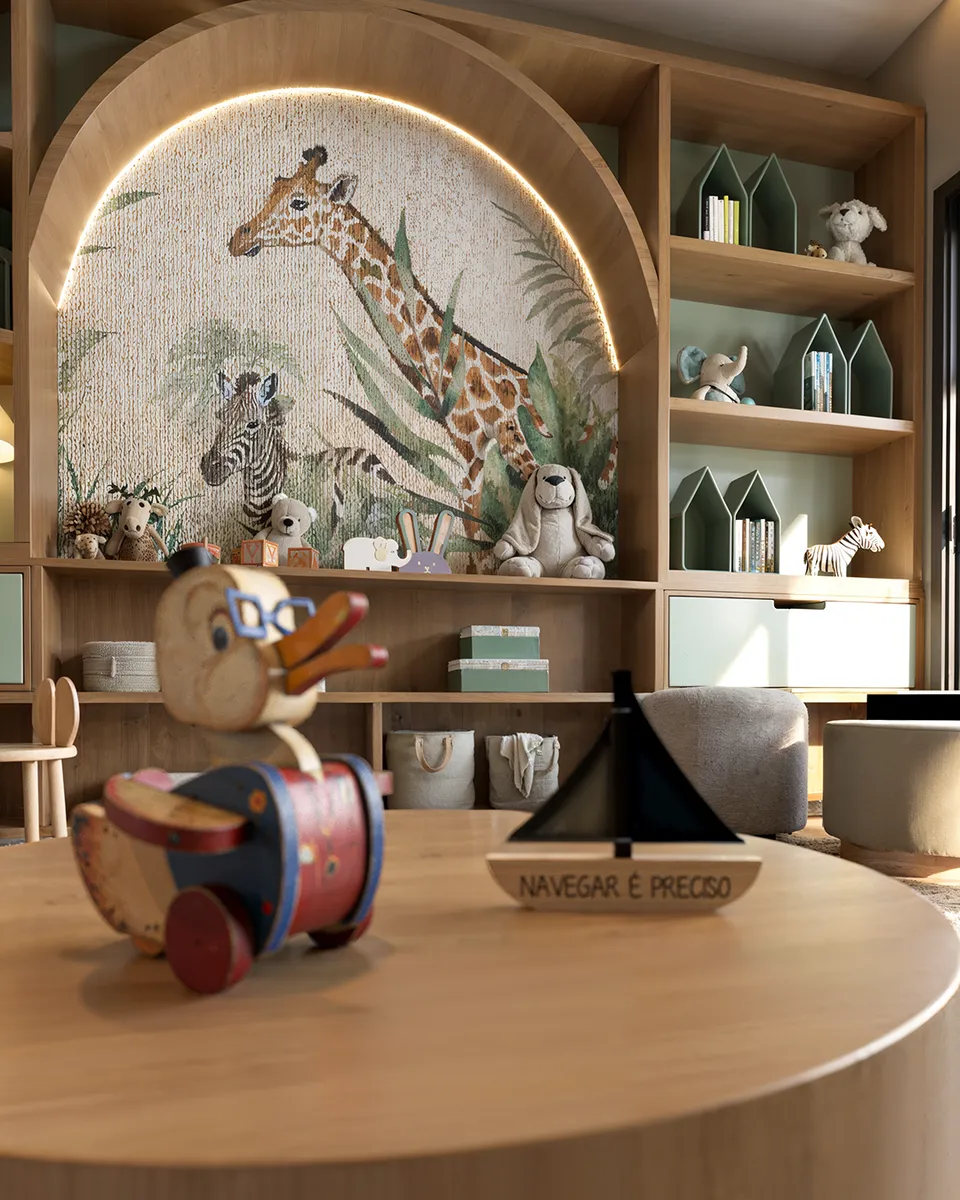
Interactive 3D Unit Selector projects

Why Render Fabrik
Why choose our interactive 3d unit selector?
Availability at a glance
Units coloured by status or unit type, with filters by bedrooms, floor area and position.
A full sheet for each unit
Rendered floor plan, floor area, orientation, the real view from the floor and a 360° tour, in one click.
Updated from the price list
The data comes from the sales spreadsheet, without redoing the 3D after every sale.
Investment
How much it costs
The investment depends on the size of the scene, the interactive layers and the material that already exists for the launch. The proposal sets out deliverables, revisions and lead time.
- Number of blocks, floors and unit types
- Views per floor and 360° tours included
- How it is updated: spreadsheet or integration with the sales system
- Whether the launch 3D model and rendered floor plans exist
We send the proposal once we know the project and where the experience will be used.
Frequently asked questions
Frequently asked questions
- What is a unit selector?
- It is the chart that shows every unit in a development and the status of each one. In the interactive version, that chart becomes the building itself in 3D, with clickable units.
- Does availability update automatically?
- We start from the developer's spreadsheet. Updates can be made through the spreadsheet itself or integrated with the sales system, depending on scope.
- Does it work in the sales suite and on the website?
- Yes. It runs in the browser, on the sales suite screen and on the agent's tablet. For the website, unit status can be hidden so only the unit types are shown.
- Do you produce the rendered floor plans as well?
- Yes. If the launch does not have them yet, we produce the rendered floor plans of each unit type together with the unit selector.
- Can we start with unit types only and add unit status later?
- Yes. Many developers first publish the unit type version on the website and switch on unit status in the sales suite.

The Math Is Simple
Render Fabrik creates Perceived Value.
And perceived value defines how much you sell, how fast you sell and what your real profit is.