

3D Development World
The whole development. Explorable in the browser.
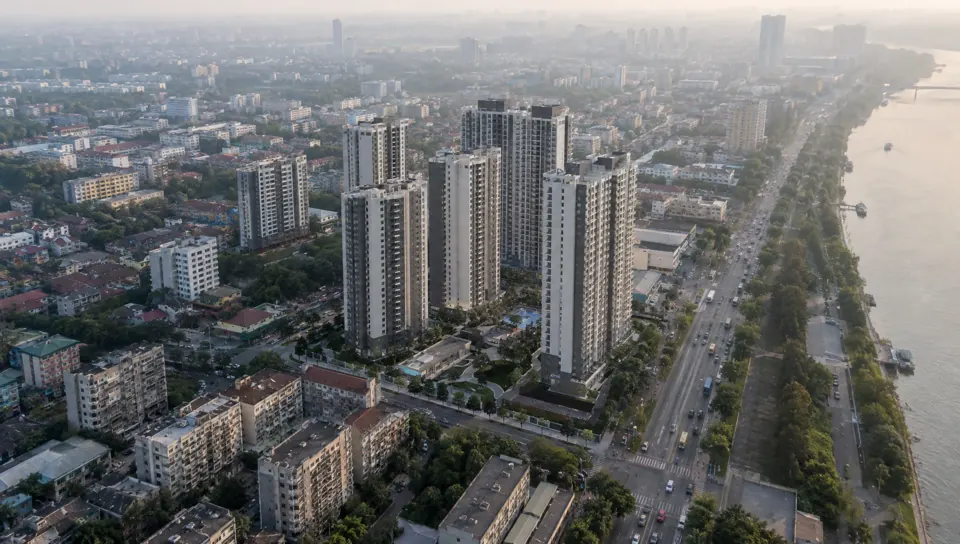
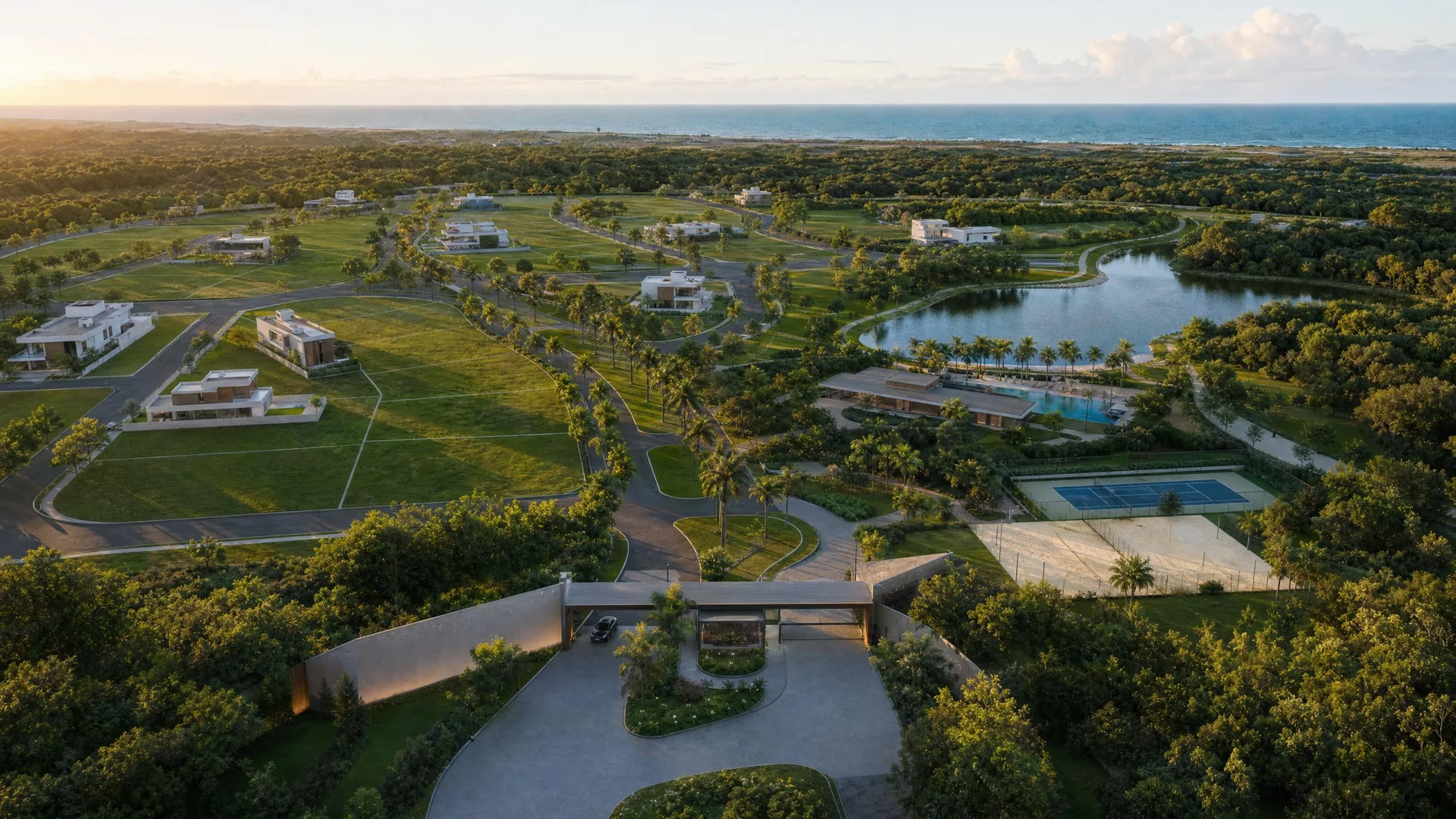
A photorealistic 3D world of the scheme and its surroundings, for buyers to explore on their own.
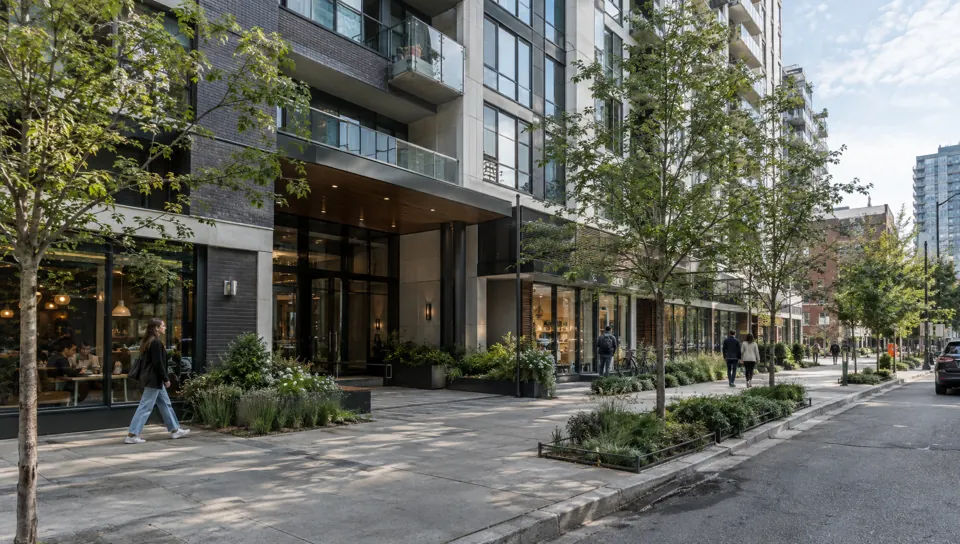
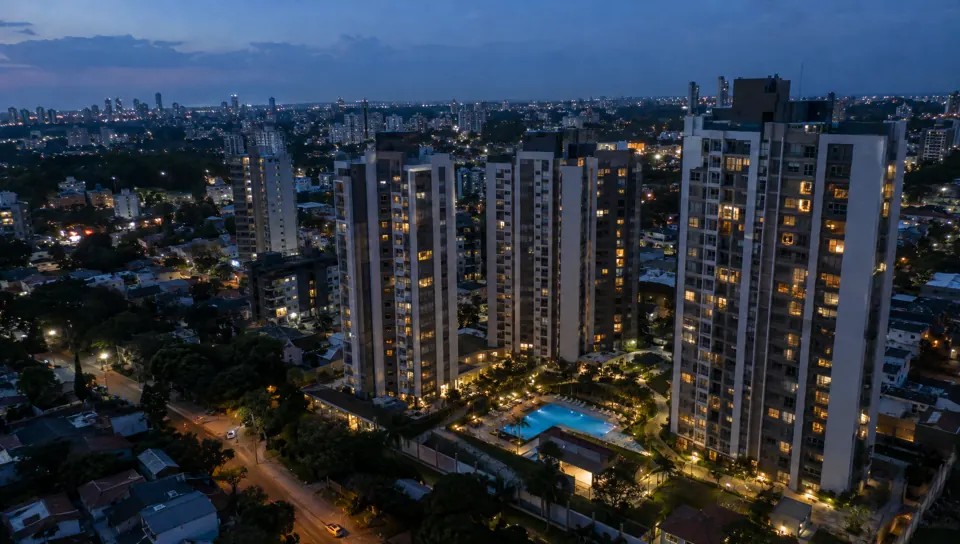
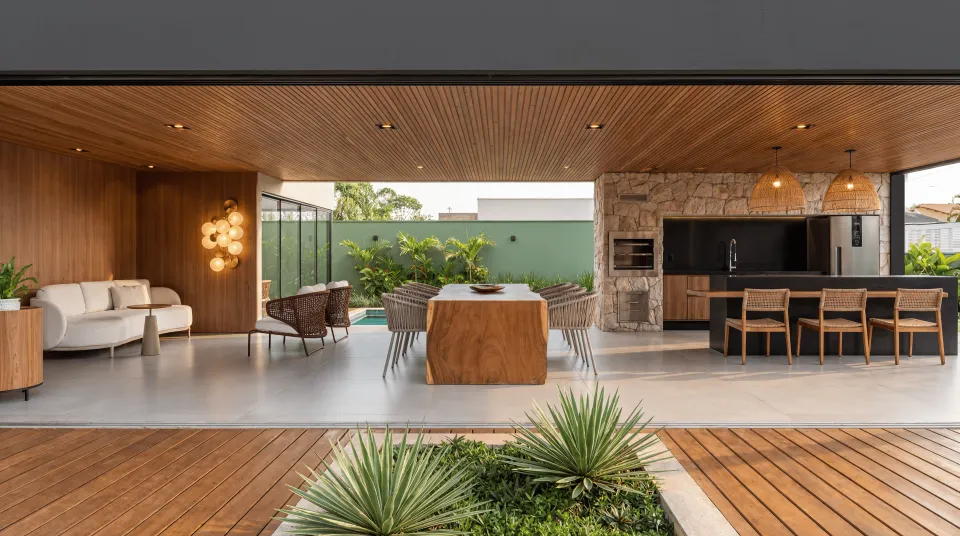
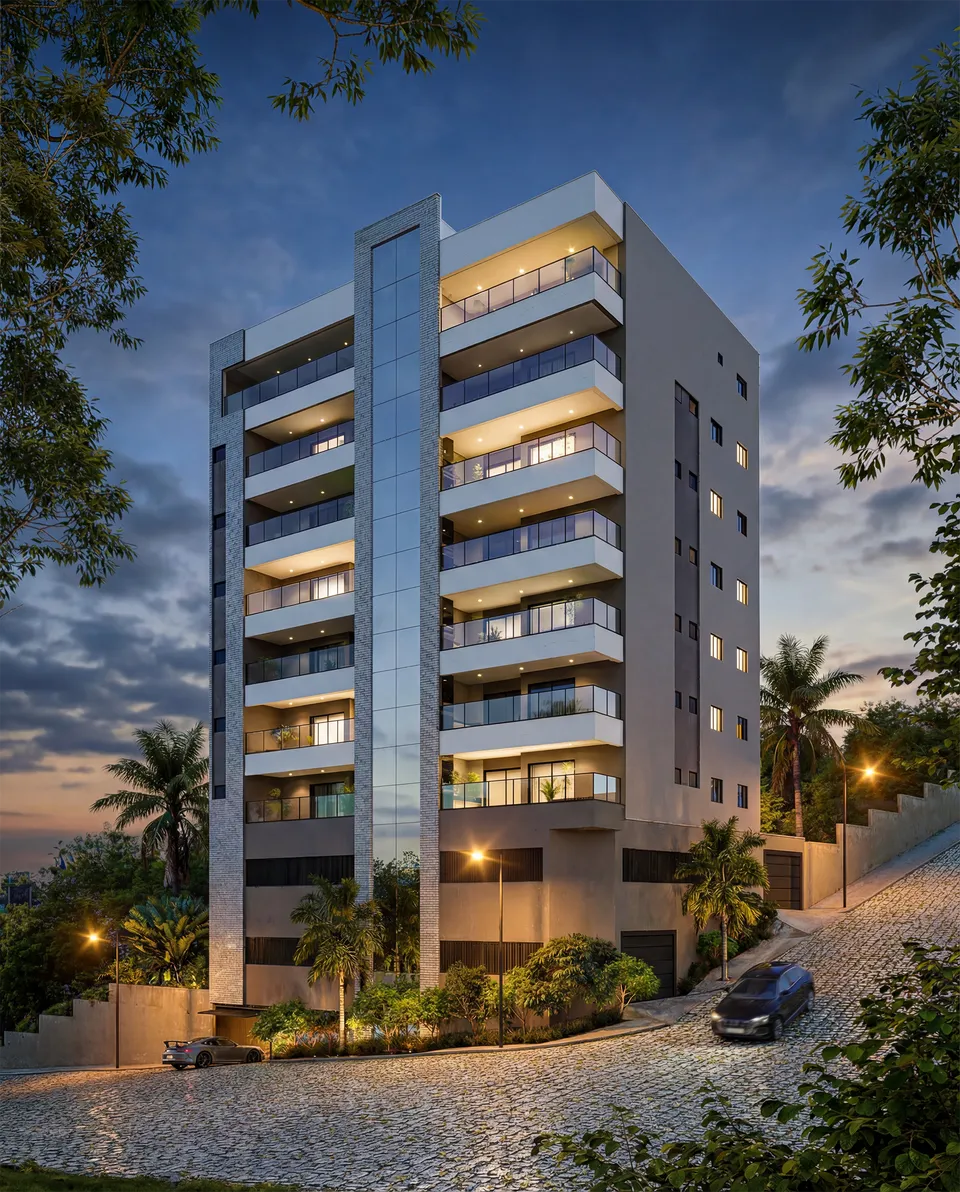
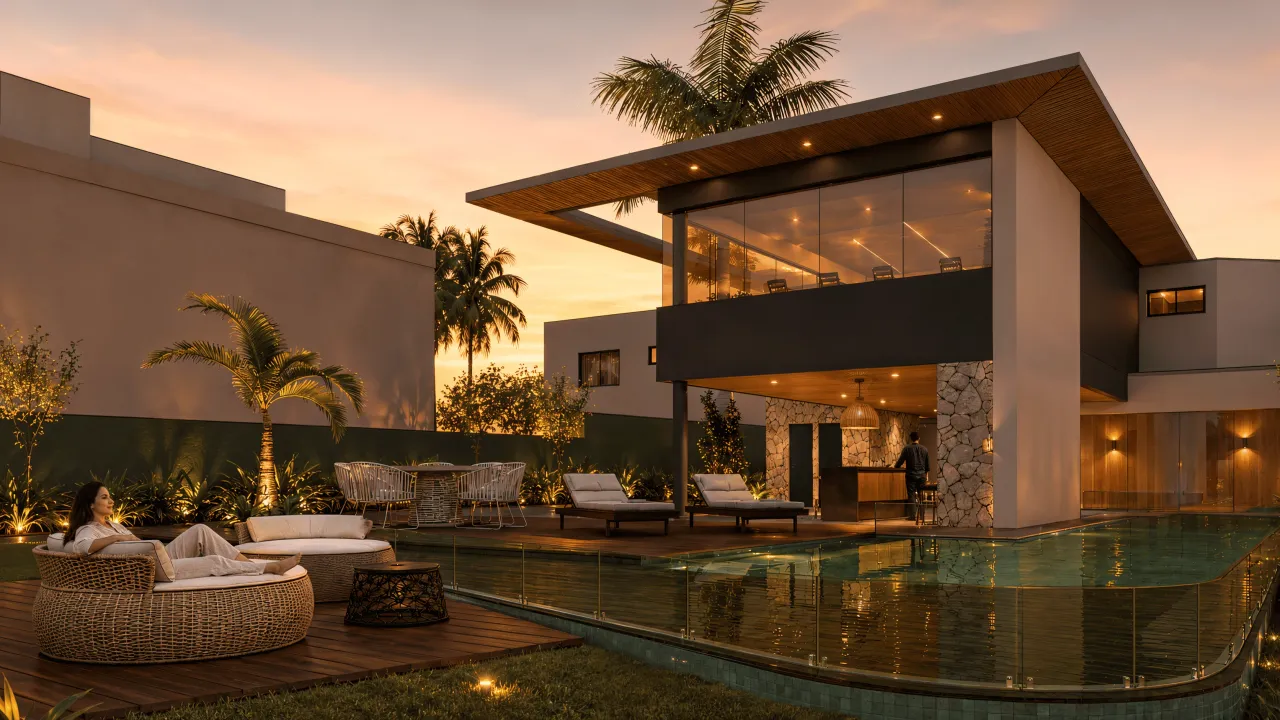
Illustrative reference images. Each experience is produced from the scheme's design and 3D model.
The 3D Development World brings together the scheme, the amenities and the neighbourhood in a photorealistic scene that runs in the browser, on mobile and on the sales suite screen. Buyers fly around freely, change the time of day, follow a guided tour and click on points of interest. The scene is generated from the same 3D model as the launch images.
A visit the brochure cannot offer
A buyer looking at a launch wants to understand three things: what the building will look like, what life in the amenities is like and what is around it. The 3D Development World answers all three in a single experience: it starts high above, shows the neighbourhood, moves closer to the scheme and comes down to street level, always with the visual quality of the sales images.
Unlike a video, the route belongs to the buyer. They stop wherever they want, look wherever they want and go back when they need to show it to the family.
How the scene is produced
We start from the 3D model of the development, with surroundings, planting and lighting for the chosen time of day. A camera script generates hundreds of rendered views, and the navigable scene is learned from them. It is then cleaned up, trimmed to the site boundary and optimised to load in blocks.
On top of it goes the sales layer: guided tour, points of interest, time-of-day changes and, when the project calls for it, the floor-by-floor cutaway with the units.
Deliverables
What's included
Photorealistic navigable scene
The development and its immediate surroundings, with free flight and defined camera limits.
Guided tour and points of interest
Stops with short text, plus clickable amenities, access points and selling points.
Time-of-day versions
Morning, afternoon or night, depending on scope, with transitions between them.
How it works
How it works
- 01
Briefing and files
We get to know the launch, the target buyer and where the experience will be used, and review the available model and plans.
- 02
Scene and script
We build the 3D scene and agree with the sales team on the script, the points of interest and the data shown.
- 03
Test version
You navigate a test version on computer and mobile and request the adjustments included in the scope.
- 04
Publication
We deliver the link, the code for the website and the sales suite version, with the file size tested on real devices.
Portfolio
3D Development World projects
Why Render Fabrik
Why choose our 3d development world?
Render quality, in real time
The scene is learned from hundreds of renders of the model, so it keeps the light, planting and reflections of the launch images.
The neighbourhood included
The surroundings are part of the scene: streets, park, shops and transport, so buyers understand the location without leaving the page.
A sales script
Guided tour with stops, points of interest and time-of-day changes, put together with the sales team.
Investment
How much it costs
The investment depends on the size of the scene, the interactive layers and the material that already exists for the launch. The proposal sets out deliverables, revisions and lead time.
- Site area and how much of the neighbourhood goes into the scene
- Number of times of day
- Sales layer: tour, points of interest and floor cutaway
- Whether the launch 3D model exists or modelling is needed
We send the proposal once we know the project and where the experience will be used.
Frequently asked questions
Frequently asked questions
- Is the 3D Development World different from the interactive 3D model?
- Yes. The interactive 3D model is the navigable 3D model, focused on block, floor and unit. The 3D Development World is a larger photorealistic scene, with the scheme and the neighbourhood, designed to win buyers over and give them a sense of place. The two can be combined.
- Do buyers need to install an app?
- No. The experience opens in the browser on computer and mobile, and can be shown on the sales suite screen.
- Does it work on an ordinary phone?
- The scene loads progressively, with more detail close to the camera, so it runs on current phones. The final file size is tested on real devices before delivery.
- What is the lead time?
- It depends on the size of the scene and the sales layer. When the launch 3D model already exists, the lead time is much shorter. The proposal includes the schedule.
- Can it be used on the website and in the sales suite at the same time?
- Yes. The same experience is published via a link and can be embedded on the website, opened on the agent's tablet and shown on the large screen.
The Math Is Simple
Render Fabrik creates Perceived Value.
And perceived value defines how much you sell, how fast you sell and what your real profit is.