

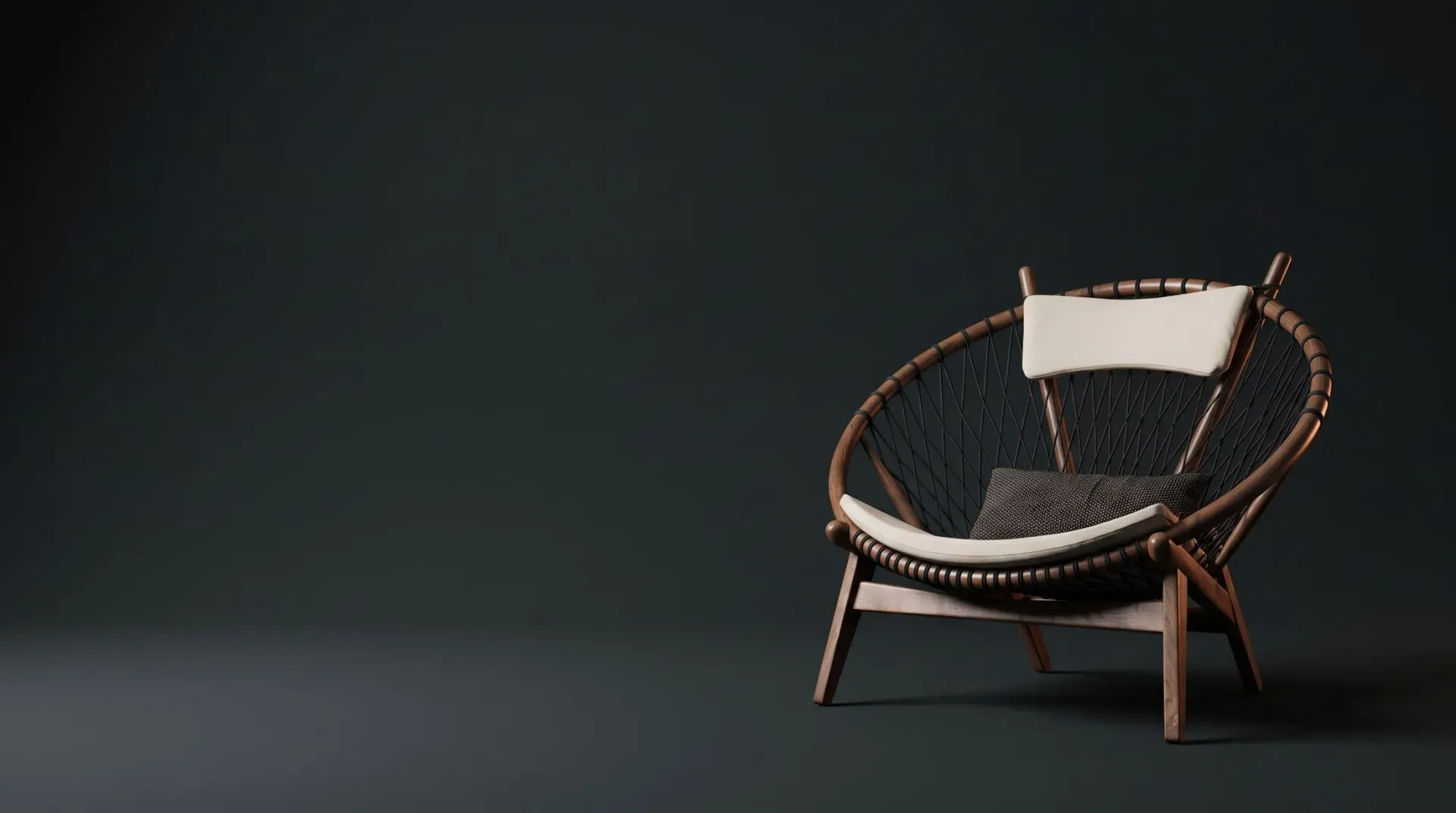
Product rendering · 3D Configurator
3D Product Configurator for Your Website
Rotate the product, look underneath, zoom in and switch color and finish. Dimensions on the model, augmented reality and buttons for BIM, DWG, quote and representative.
The service
3D Configurator
Your product spinning on the manufacturer's website: visitors rotate, zoom, switch color and finish, see dimensions on the model, project it into their own space in augmented reality and ask for BIM, DWG or a quote.
A photo shows one angle; the 3D Configurator shows the whole product. Visitors to your website spin the item with a finger or mouse, zoom in on details, see the product from underneath and check dimensions directly on the model. For technical products, where form, material and finish drive the purchase, this answers the architect's questions before the first contact with sales.
The Configurator works as a specification window: buttons take visitors to the BIM file, the DWG, a quote request and the representative for their region, and every click reaches your sales team with the context of the product that was viewed. On mobile, augmented reality places the product in the customer's space at true scale, with no app to install.
The technology is Render Fabrik's and is hosted on our servers. Your team just pastes a code snippet into the product page, with no developer, no 3D files to maintain and no performance worries. Updates, fixes and new products happen on our side.
Demo
Rotate the product
Drag to rotate and switch the finish. Demo chair created by Render Fabrik for this demonstration.
What we deliver
From technical file to result
On your site, with one code snippet
The technology is ours and runs on our servers. Your team pastes the code into the product page and the Configurator appears, with lightweight loading and no dependence on a third-party platform.
Built for specifiers
Dimensions over the model and buttons for BIM and DWG take the architect straight to the right file. Contact with your sales team arrives with the viewed product attached.
Augmented reality on mobile
Customers place the product in their own space, at true scale, right in the phone browser. No app, no sign-up.
- Color and finish switching on the 3D model itself
- Web-optimized 3D model, with studio materials and lighting
- Free rotation, including from underneath, and zoom on details
- Dimensions and specifications marked on the model
- Configurable buttons: BIM, DWG, quote and representative
- Augmented reality on compatible phones
- Hosting, maintenance and updates by Render Fabrik
How it works
Four steps, with your approval at each one
Product modeling
We use the Studio model or build the product model from the DWG, BIM or spec sheet.
Dimensions and buttons
Together we define which dimensions are shown and where each button leads: BIM, DWG, quote, representative.
Validation
You test the Configurator on a private page, on desktop and mobile, before it goes live.
Publishing
We deliver the code snippet. Hosting and updates stay with Render Fabrik.
Concept project
Chair in 3D
The demo product above, in two studio views. The same model powers both Studio and the Configurator.
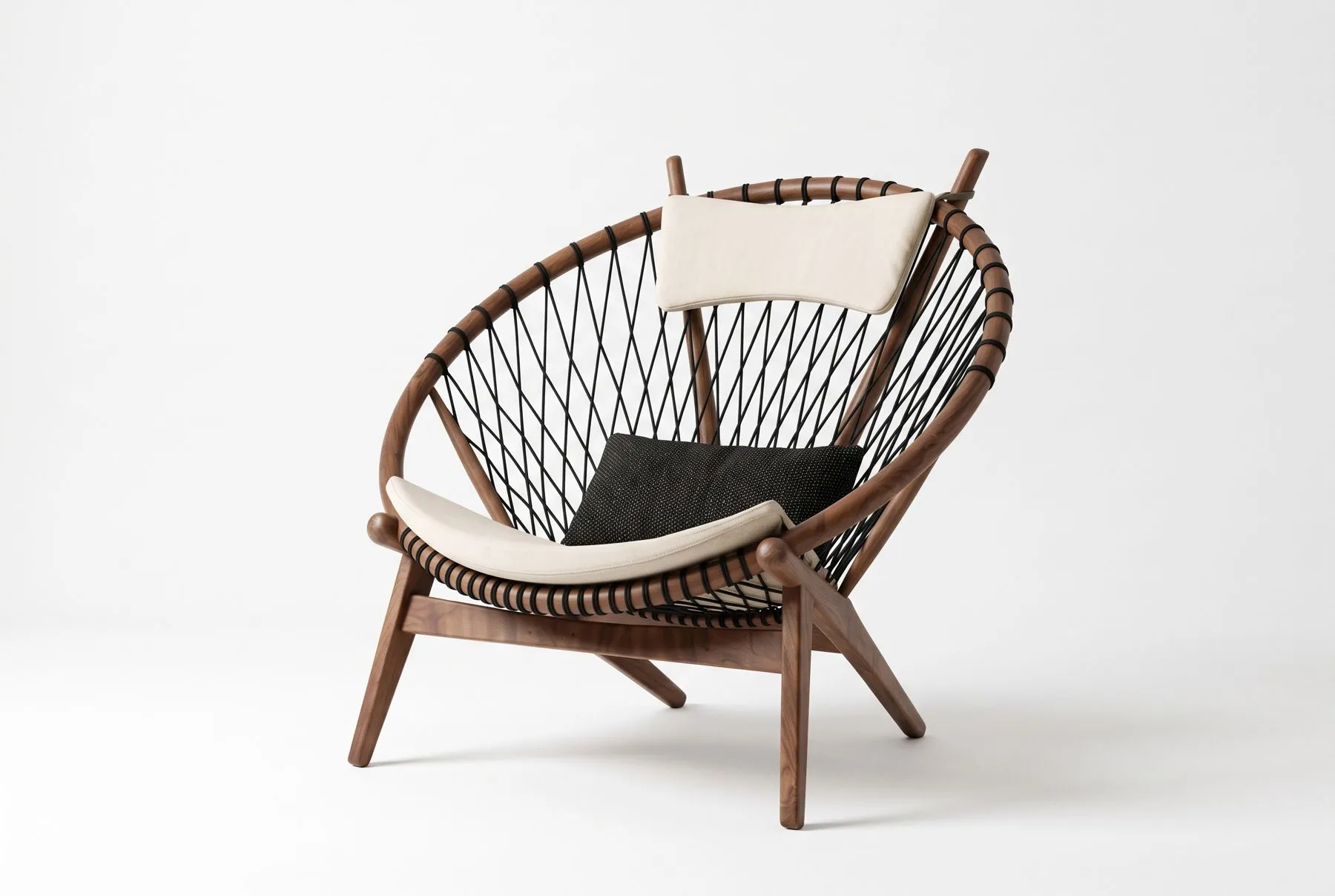
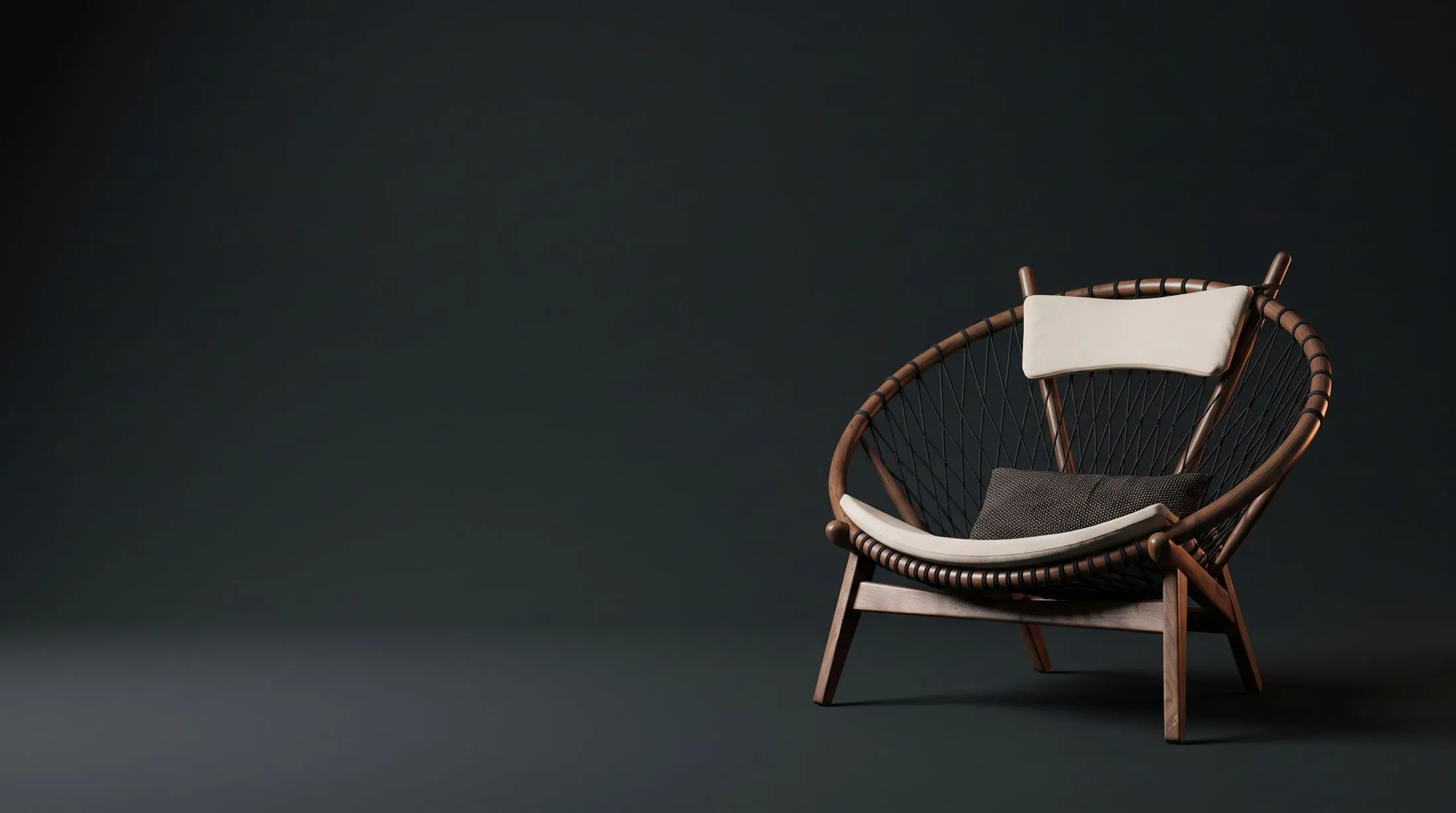
Render Fabrik concept project, with a generic product. It does not represent any manufacturer's line.
Real example
Insulated panel in 360° spin
For a metal roofing manufacturer, we built the panel in 3D and its full spin, which the customer drags to see every side, including the core.
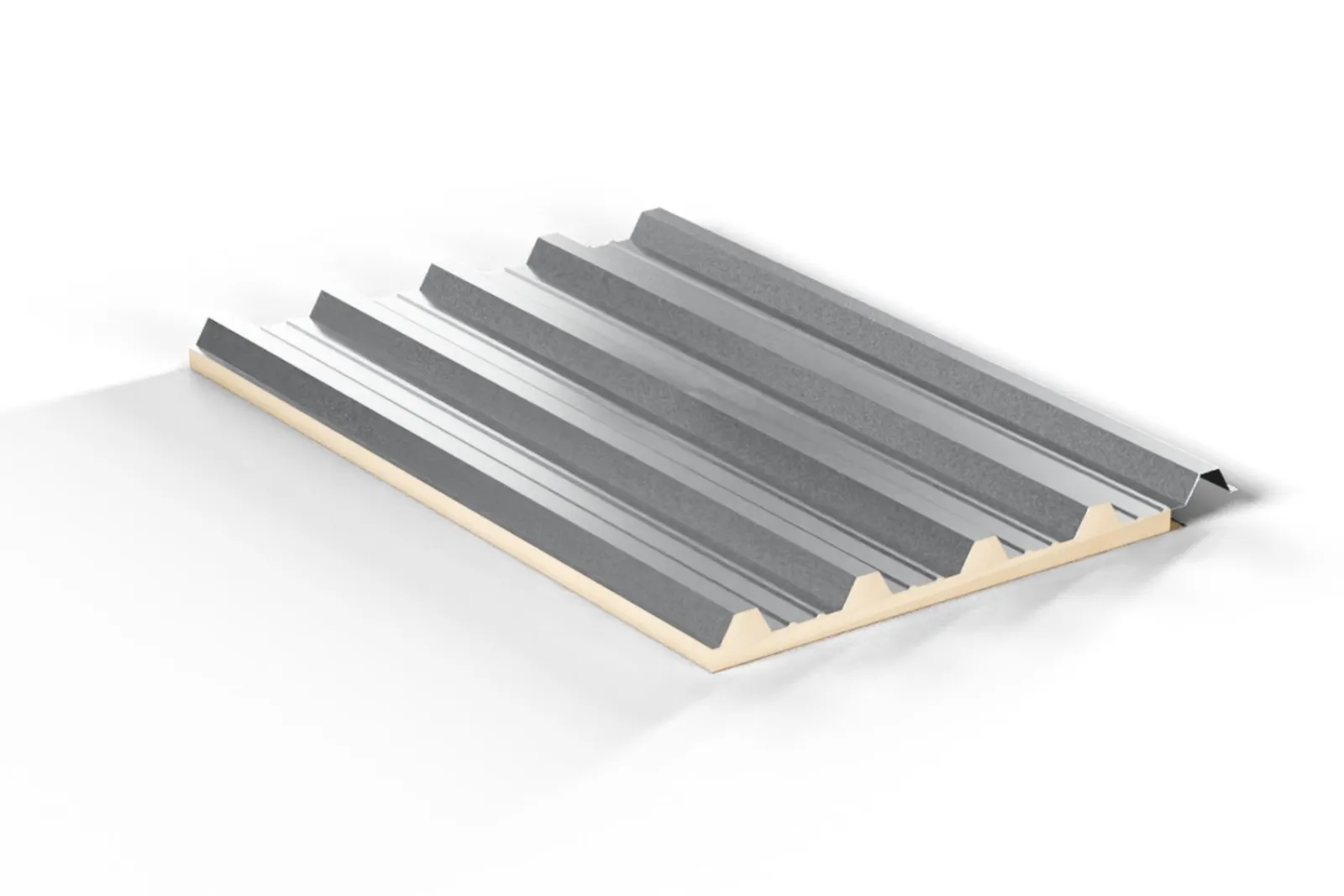
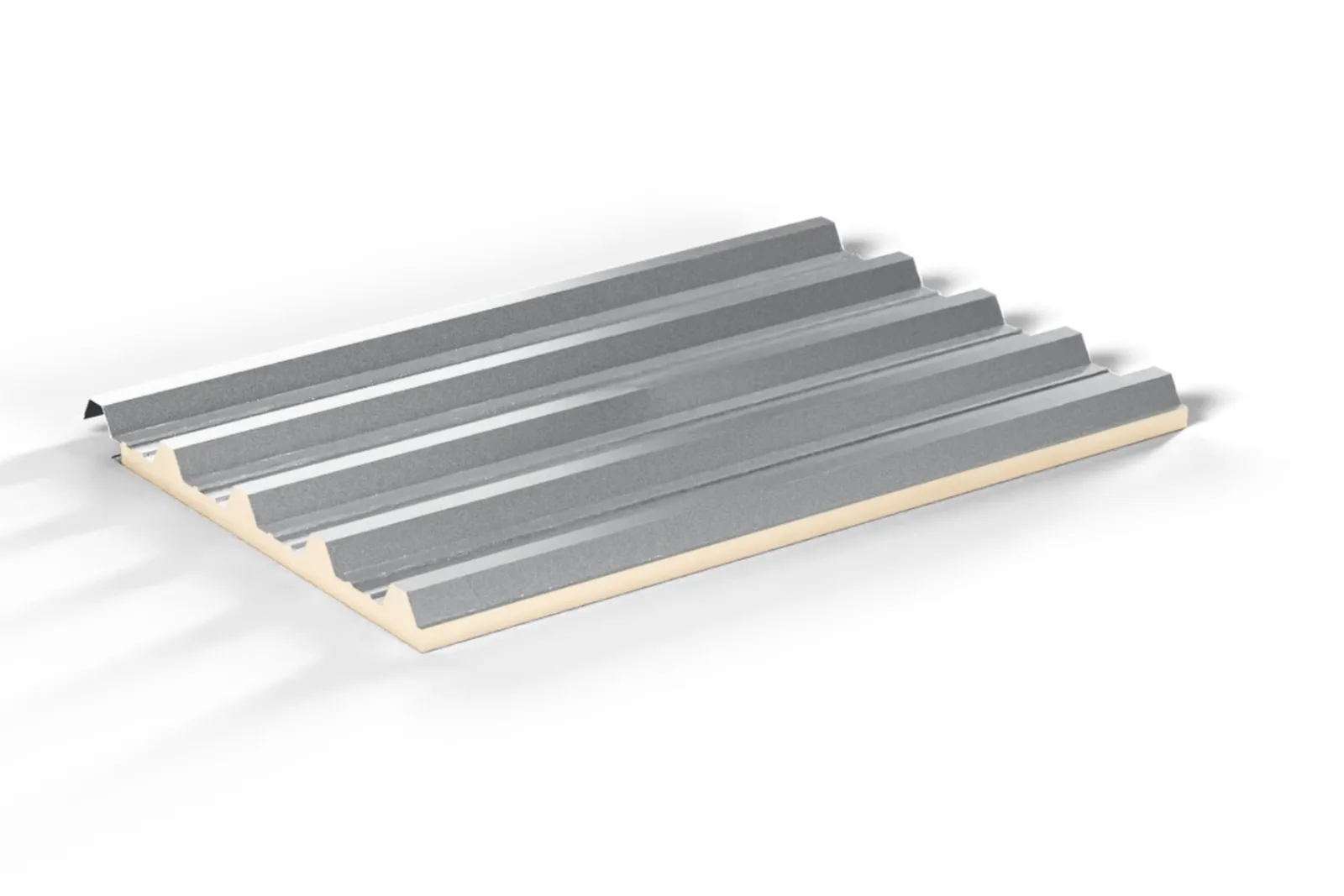
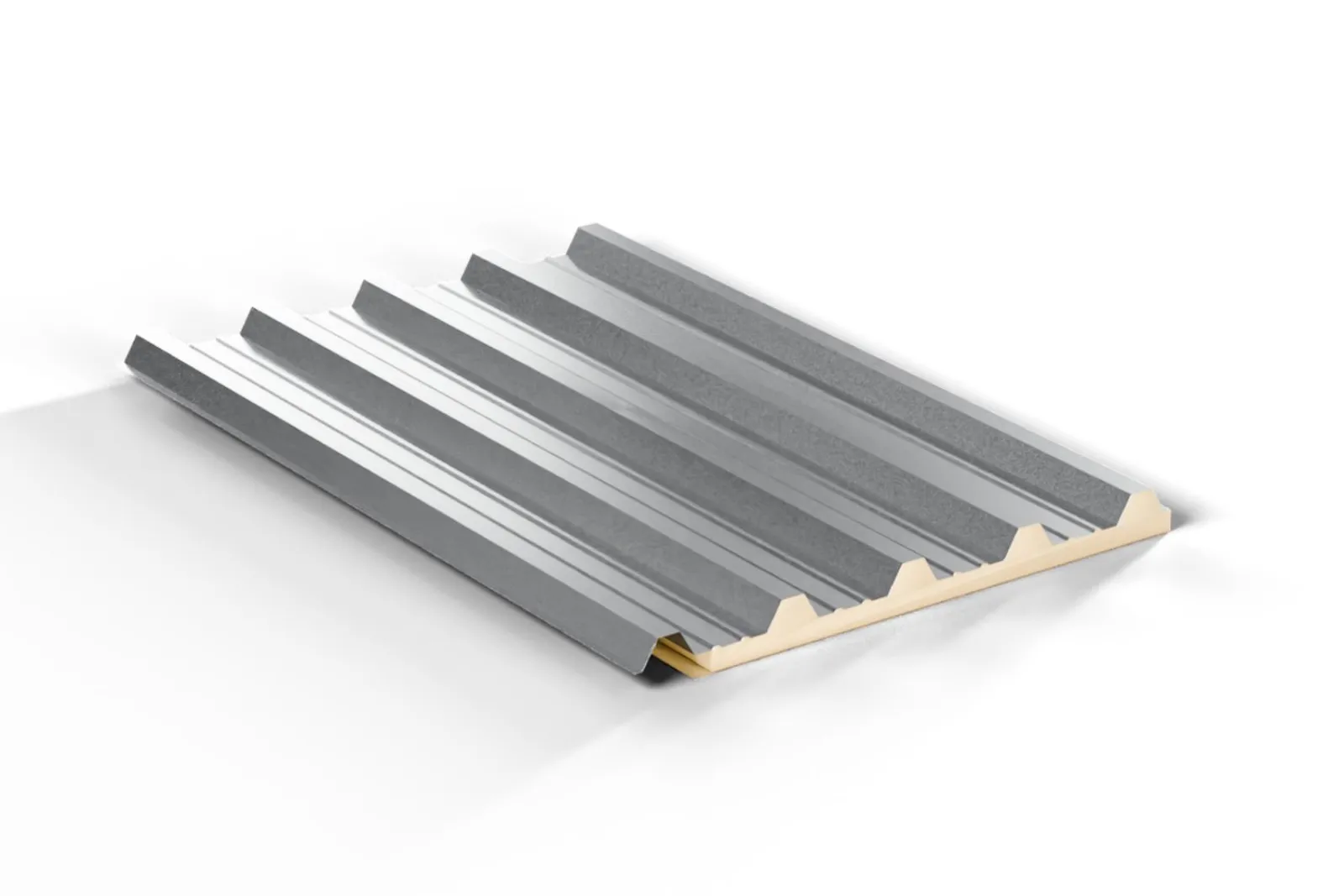
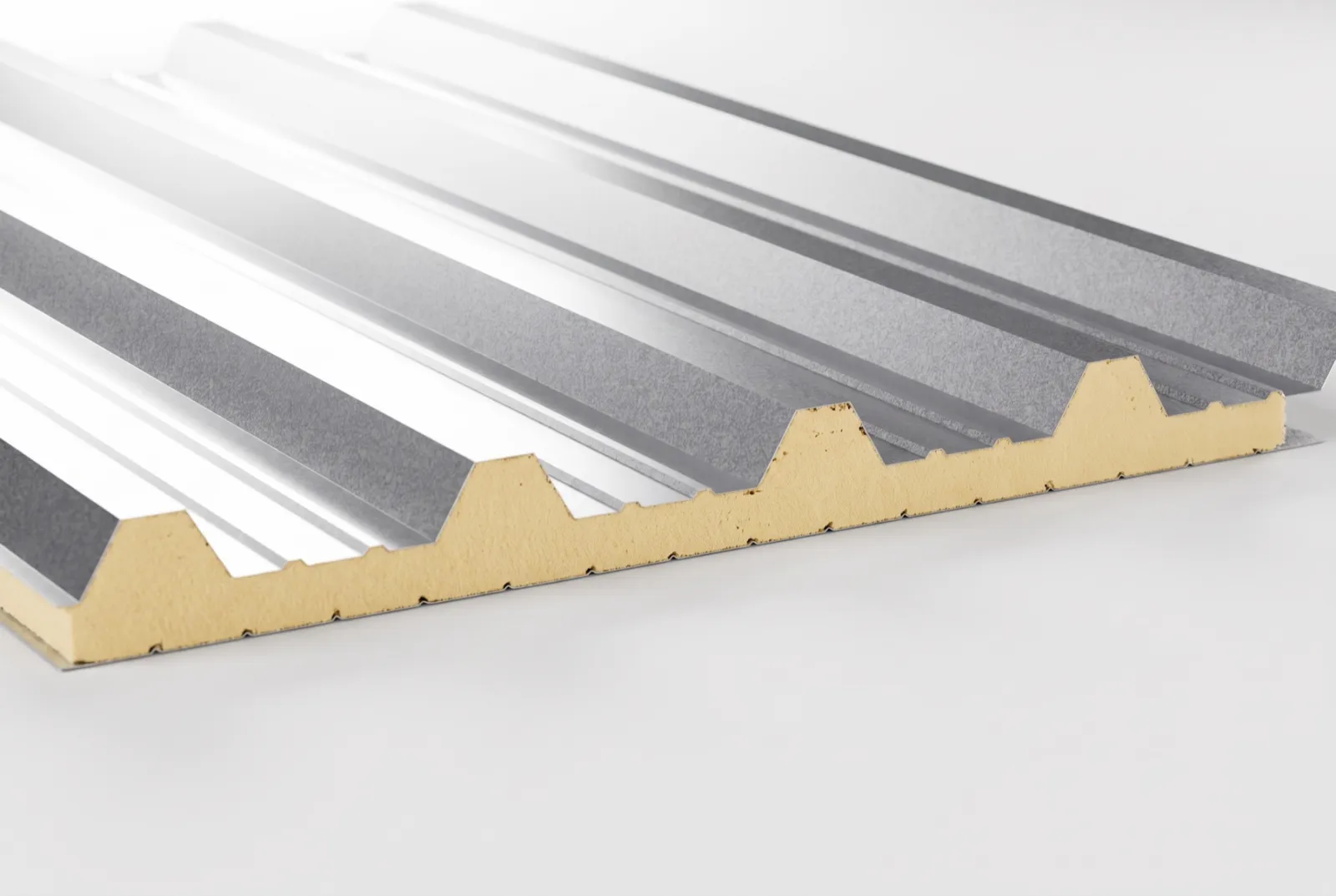
Proposal sample, with the profile section estimated.
Who it's for
Manufacturers that sell to specifiers
- Products whose form, weave or finish call for a close look
- Manufacturers who get requests for BIM and DWG files
- Lines with many color and size variations
How it combines with the other services
Needs the 3D model. Contracted together with Studio, it reuses the modeling; on its own, it includes the product modeling.
Pricing depends on the number of products and images in your catalog. Talk to us and we will send a tailored proposal.
Request a proposalQuestions
Frequently asked questions
Do I need a developer to install it?
No. We deliver a code snippet to paste into the product page. Hosting, updates and new products stay with Render Fabrik.
Will the Configurator slow my site down?
No. The model is optimized for the web and loads on demand, only when the visitor reaches the product section.
Are the displayed dimensions exact?
They come from the spec sheet you approve. In the demo on this page, the dimensions are illustrative.
Does it work on mobile?
Yes, with touch gestures to rotate and zoom. Augmented reality works on compatible phones, right in the browser.
What can visitors do in the configurator?
They spin the product freely, even from underneath, zoom into details, see the dimensions and specifications marked on the model and, on compatible phones, place the product in their own space with augmented reality.
Can I have BIM, DWG and quote buttons?
Yes. The buttons are configurable: BIM, DWG, quote and contact with your representative, so specifiers can ask for what they need right on the page.
Who takes care of hosting and updates?
Render Fabrik does. Hosting, maintenance and updates are on us, and new products are added to the same configurator.
Other services for manufacturers


The Math Is Simple
Your product, with the image that sells
Send us the technical drawing of one item and we will show you how it looks in 3D before you commit to the catalog.